SaaS product videos
SaaS video marketing: which videos to make at each stage of the funnel
A practical map of the videos a SaaS company needs, from first touch to renewal, and how to make one production feed all of them.
By Ahsan AliPublished Updated 2 min read
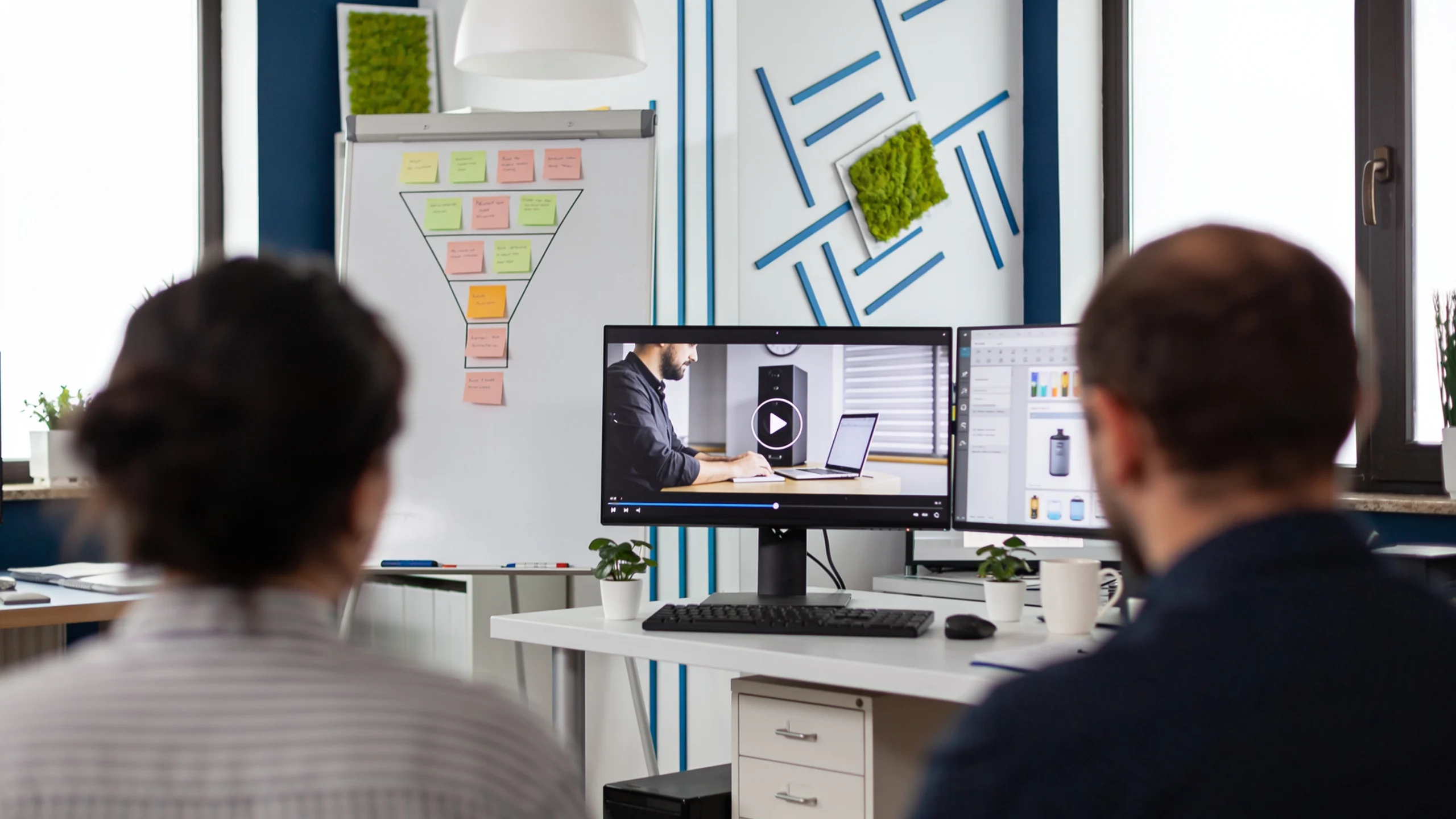
SaaS video marketing means using video at every stage of the buyer journey: short ads and social clips to get noticed, explainers and demos to be understood, proof and walkthroughs to convert, and onboarding videos to keep customers. The companies that do it well plan these as one system, so a single production feeds many assets.
The short answer
Start with the video closest to revenue: a product demo or explainer on your homepage and pricing page. Then add short cut-downs for ads and social, a launch video for each major release, and onboarding clips for new users. Measure each video by the job it does at its stage, not by views alone.
Why video matters for SaaS
Software is hard to picture from text. Video shows the product working, which is exactly what buyers want before they book a call. In Wyzowl's 2025 survey, 89% of businesses said they use video as a marketing tool, 93% of video marketers reported a good return on investment, and 78% of consumers said they would most like to learn about a product or service by watching a short video.
Videos for each stage of the funnel
| Stage | Videos to make | Where they go | What to measure |
|---|---|---|---|
| Awareness | Short ads, founder clips, problem-led social videos | LinkedIn, YouTube, Meta, X | Hook rate, view-through, cost per site visit |
| Consideration | Explainer, product demo, comparison videos | Homepage, product and pricing pages, YouTube | Play rate, watch time, demo or trial starts |
| Conversion | Customer stories, personalised sales videos, detailed walkthroughs | Sales emails, demo-request page, case studies | Reply rate, meetings booked, win rate |
| Launch moments | Product launch film plus cut-downs | Launch page, Product Hunt, social, email | Sign-ups and feature adoption in launch week |
| Retention | Onboarding clips, feature tutorials, release videos | In-app, help centre, lifecycle emails | Activation, support tickets, feature usage |
Build the core first
Most SaaS teams get the most from three assets, in this order:
- A 60 to 120 second explainer or demo for the homepage and pricing page. Our explainer video script template gives you a ready structure.
- A library of short cut-downs from it for ads and social. See the formats in our video ad examples.
- A launch video for every major release, planned four weeks out. Our product launch video guide has the timeline.
Make one production feed many assets
The cost of SaaS video marketing drops sharply when you plan assets together. Record the UI flows once, write the master script once, and design motion graphics as a reusable kit: lower thirds, UI callouts, transitions and end cards in your brand. From one production you can then cut a homepage explainer, a 30-second ad, three vertical clips and a set of onboarding snippets.
Where AI fits in 2026
AI tools now help with scripts, voiceovers, captions, translation and UGC-style ads, and they make testing more variations affordable. They do not replace a clear message or a well-shown product. Use AI to speed up versions and localisation, keep a human in charge of the story and the edit, and disclose AI where platforms require it.
Common mistakes
- Starting with brand films. Atmosphere without the product rarely moves a SaaS buyer.
- One video for every channel. A 16:9 homepage video does not work as a vertical ad without a proper re-edit.
- Out-of-date UI. Plan a refresh when the interface changes, or use animated UI that is easier to update.
- Measuring only views. A demo with 300 views that drives 30 trials beats a viral clip that drives none.
Get a SaaS video plan
We plan and produce SaaS video systems, from the core explainer to launch films, ads and onboarding clips. See our SaaS video production service, browse our SaaS work, or read what a SaaS video costs in 2026.
FAQ
What is SaaS video marketing?
SaaS video marketing is the use of video across the buyer journey of a software company: ads and social clips for awareness, explainers and demos for consideration, customer stories and walkthroughs for conversion, and onboarding videos for retention.
Which video should a SaaS company make first?
Usually a 60 to 120 second explainer or product demo for the homepage and pricing page, because it is closest to revenue. Cut it into shorter versions for ads and social afterwards.
How do you measure SaaS video marketing?
Measure each video by its job: hook rate and cost per visit for ads, play rate and trial starts for website videos, meetings booked for sales videos, and activation or feature usage for onboarding videos.
Can AI replace video production for SaaS?
AI speeds up scripts, voiceovers, captions and ad variations, but the message, the product footage and the edit still decide whether a video works. Most teams use AI to scale versions, not to replace the core video.

Written by Ahsan Ali
Founder & lead editor, NexaCuts. Edits and produces SaaS product videos, VSLs and promotional films for brands worldwide.